
If you want to uninstall Golang itself (the Go compiler and runtime), the steps depend on your operating system and how Go was installed.
⚠️ This guide removes the Go programming language, not Go packages installed with
go getorgo install.
To remove Go packages or tools, see: How to Remove or Uninstall a Go Package.
What does uninstalling Golang mean?
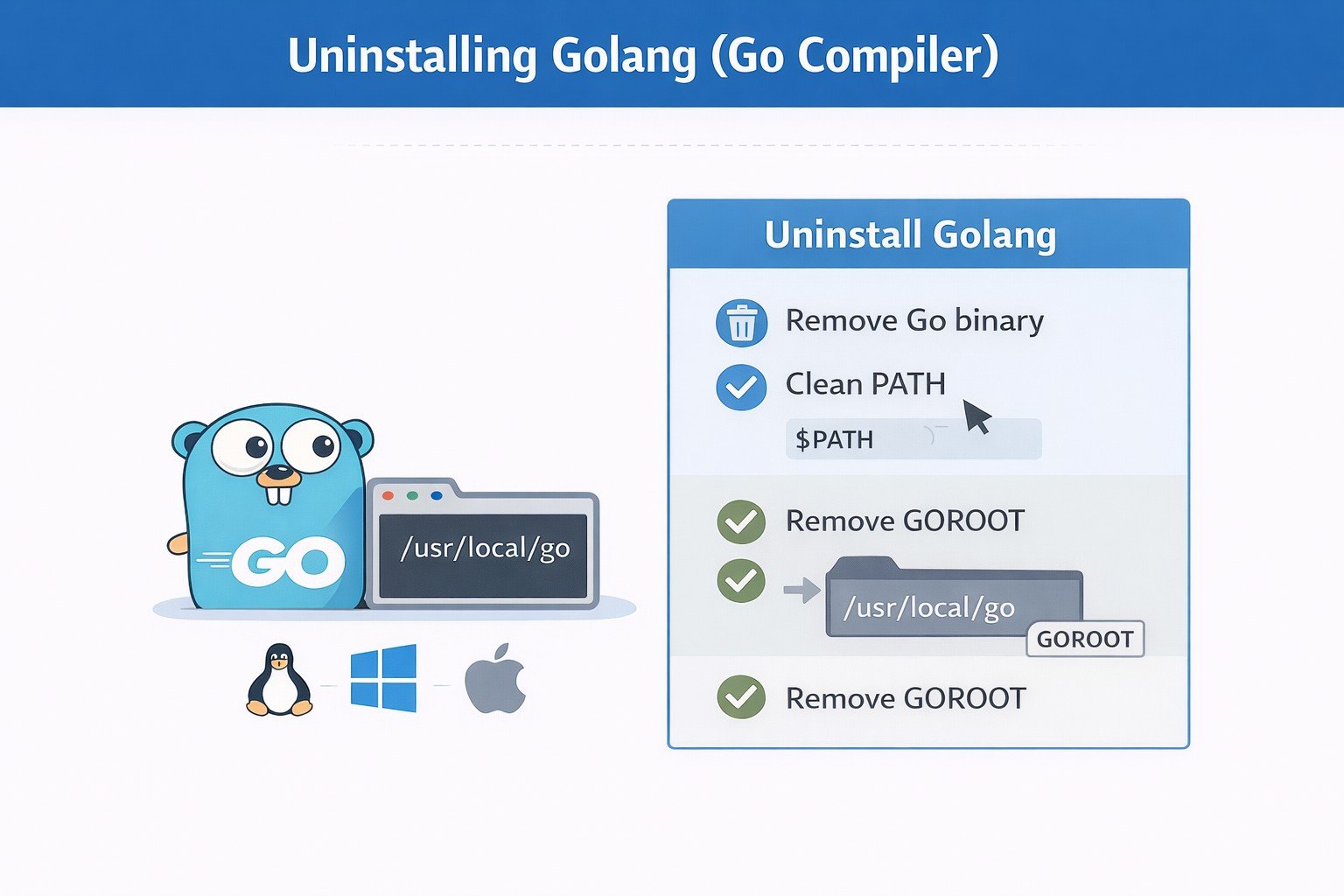
Uninstalling Golang means removing:
- The Go compiler (
go) - The GOROOT directory (usually
/usr/local/go) - Any Go-related environment variables
It does not remove:
- Your project source code
- Go modules inside your projects
- Cached Go packages (unless explicitly removed)
Before you uninstall Golang (important)
Run these checks first:
which go
go env GOROOT
go env GOPATH
This tells you:
- Where Go is installed
- Which directories will be affected
How to Uninstall Golang on Linux
Method 1: Remove Go installed from tarball (most common)
If Go was installed from the official .tar.gz archive, run the following command on your terminal to identify the location of the Go binary, and copy the output to your clipboard:
which go
Run the rm command to remove the Go binary after copying its path. You might also need to run sudo:
sudo rm -rvf /usr/local/go/
Your .bash profile or .bashrc file may contain export definitions for $GOPATH or $PATH ( If you installed Go with the macOS package, remove the /etc/paths.d/go file). The final step is to remove these environment variables.
export PATH=$PATH:/usr/local/go/bin
Reload your shell:
source ~/.bashrc
Method 2: Uninstall Golang using apt (Ubuntu / Debian)
The apt-get command can be used on Debian based distributions such as Ubuntu. To uninstall golang-go package itself from Ubuntu executes on the terminal:
sudo apt-get remove golang-go
To remove the golang-go package from Ubuntu as well as any other dependent packages that are no longer required:
sudo apt-get autoremove golang-go
This will work if you also want to remove the golang-go configuration and/or data files from Ubuntu:
sudo apt-get purge golang-go
Execute the following command to remove the golang-go and its dependencies from Ubuntu's configuration and/or data files:
sudo apt-get autoremove --purge golang-go
Method 3: Uninstall Golang using yum or dnf (RHEL, Rocky, Alma)
On Red Hat based Linux distributions we must use yum or dnf package manager. So uninstall golang package from Red Hat based distributions such as CentOS, Rocky Linux, AlmaLinux you can first check whether golang package is installed
rpm -qa | grep golang
If available then you can remove them using
sudo dnf remove golang golang-bin golang-src
How to Uninstall Golang on Windows
Go can be easily uninstalled using Add/Remove Programs in the Windows control panel:
- Go to the Control Panel section, and double-click Add/Remove Programs.
- In Add/Remove Programs, right-click the go version you want to uninstall (for example Go Programming Language amd64 go1.19.3) then follow the prompts.
- Click Yes to confirm uninstall Go

For removing Go with tools, you can also use the command line:
Uninstall using the command line by running the following command:
msiexec /x go{{version}}.windows-{{cpu-arch}}.msi /q
It should be noted that this method of uninstalling Windows will immediately delete any environment variables set up during the initial installation.
How to Uninstall Golang on macOS
If you have used an installer, you can uninstall golang by using the same installer.
If installed using official pkg installer, remove GO
sudo rm -rf /usr/local/go
Remove PATH entry:
sudo rm -f /etc/paths.d/go
Clean environment variables:
nano ~/.bash_profile
Then, remove all entries related to go i.e. GOROOT, GOPATH from ~/.bash_profile and run
source ~/.bash_profile
Check remaining variables:
env | grep GO
Remove from:
~/.bashrc~/.bash_profile~/.zshrc
Summary
This guide explains how to properly uninstall Golang (the Go compiler and runtime) from Linux, Windows, and macOS systems. It covers removal based on how Go was installed—archive, package manager, or installer—and highlights important cleanup steps such as removing environment variables and PATH entries. This article focuses only on uninstalling Golang itself and does not remove Go packages or project dependencies installed with go get.
References