Free Online Course · Self-paced

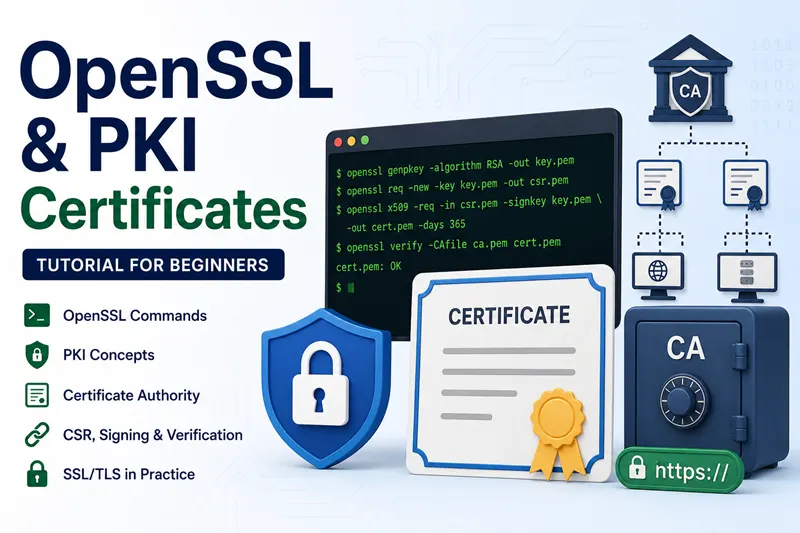
OpenSSL & PKI Certificates Tutorial for Beginners

Complete OpenSSL and PKI tutorial - generate keys, build a Certificate Authority, issue SAN and ECC certificates, configure mTLS, renew and revoke certificates. 24 hands-on lessons tested on Linux.

  • 24 parts
  • ~233 min total
  • Beginner to Advanced
  • Updated May 2026
By Last updated

This tutorial walks you through OpenSSL and Public Key Infrastructure (PKI) from first principles - what a CA actually is, how certificates are signed, and why everyone keeps confusing openssl ca with openssl x509. We then build a complete two-tier PKI (Root CA + Intermediate CA), issue real server and client certificates with proper x509 extensions, set up mutual TLS, and cover the full lifecycle through renewal and revocation.

Every command is tested on a fresh Linux VM and uses real config files (openssl.cnf) rather than throwaway one-liners. By the end you will be able to operate a small internal CA confidently - the same skills used by Kubernetes admins, VPN administrators, and anyone running internal HTTPS services.

Click Start the course to begin with the PKI fundamentals chapter, or jump straight to the section you need - certificate generation, renewal, and revocation are the three most-bookmarked.

What you'll learn

  • Generate private keys, CSRs, and self-signed certificates from scratch
  • Build a complete two-tier PKI - Root CA + Intermediate CA - the right way
  • Issue server certificates with SAN, ECC, and proper x509 extensions
  • Configure mutual TLS (mTLS) authentication between client and server
  • Renew, revoke, and re-issue certificates including the CRL workflow

Prerequisites

  • A Linux workstation (RHEL 8+, Rocky/CentOS Stream, Ubuntu 22.04+) with openssl 1.1.1 or newer
  • Comfortable on the command line and editing config files
  • Basic understanding of asymmetric cryptography (public key / private key)

Syllabus

9 chapters · 24 lessons · ~233 min of reading

  1. 1 PKI Fundamentals 2 lessons
    1. Part 1 PKI, Certificate Authority, and OCSP explained 9 min read
    2. Part 2 openssl ca vs openssl x509 - when to use which 15 min read
  2. 2 Build Your Certificate Authority 2 lessons
    1. Part 3 Create a Root CA on Linux 8 min read
    2. Part 4 Build the certificate chain (Root + Intermediate) 20 min read
  3. 3 Generate Keys, CSRs and Certificates 6 lessons
    1. Part 5 Generate a private key and CSR with OpenSSL 7 min read
    2. Part 6 Things to consider when creating a CSR 11 min read
    3. Part 7 Generate a SAN certificate (multiple hostnames) 9 min read
    4. Part 8 Subject Alternative Name (SAN) - examples and config 6 min read
    5. Part 9 Add x509 extensions to a certificate 11 min read
    6. Part 10 Generate an ECC (Elliptic Curve) certificate 9 min read
  4. 4 Self-Signed Certificates 3 lessons
    1. Part 11 Generate a self-signed certificate 4 min read
    2. Part 12 Renew a self-signed certificate 6 min read
    3. Part 13 Shell script to automate certificate generation 11 min read
  5. 5 Client-Server and Mutual TLS 3 lessons
    1. Part 14 Create client and server certificates 16 min read
    2. Part 15 Mutual TLS (mTLS) authentication - end-to-end 15 min read
    3. Part 16 Install an SSL certificate on Nginx 8 min read
  6. 6 Inspect and View Certificates 2 lessons
    1. Part 17 View and decode certificates with openssl 2 min read
    2. Part 18 Generate duplicate certificates with the same key 9 min read
  7. 7 Renew and Manage Certificates 3 lessons
    1. Part 19 Renew an SSL/TLS server certificate 16 min read
    2. Part 20 Renew an expired Root CA certificate 6 min read
    3. Part 21 Manually expire a certificate (for testing) 8 min read
  8. 8 Revoke Certificates and CRL Workflow 2 lessons
    1. Part 22 Revoke a certificate and generate a CRL 12 min read
    2. Part 23 Revoke a lost or missing certificate 6 min read
  9. 9 Reference / Cheat Sheet 1 lesson
    1. Part 24 OpenSSL command cheat sheet 9 min read
Deepak Prasad

R&D Engineer

Founder of GoLinuxCloud with over a decade of expertise in Linux, Python, Go, Laravel, DevOps, Kubernetes, Git, Shell scripting, OpenShift, AWS, Networking, and Security. With extensive experience, he excels across development, DevOps, …

  • Red Hat Certified System Administrator in Red Hat OpenStack
  • Certified Kubernetes Application Developer (CKAD)
  • Red Hat Certified Specialist in Ansible Automation
  • Go (programming language)
  • Python (programming language)
  • DevOps
  • Computer Security