
Free Online Course · Self-paced
Keytool & Java Keystore Tutorial for Beginners
Complete keytool tutorial for Java keystores and truststores - generate PKCS12 keys, import CA-signed chains, fix PKIX errors, configure Spring Boot and Tomcat HTTPS, and ship trust in Docker and Kubernetes. 21 hands-on lessons tested on Linux.
- 21 parts
- ~167 min total
- Beginner to Intermediate
- Updated Jul 2026
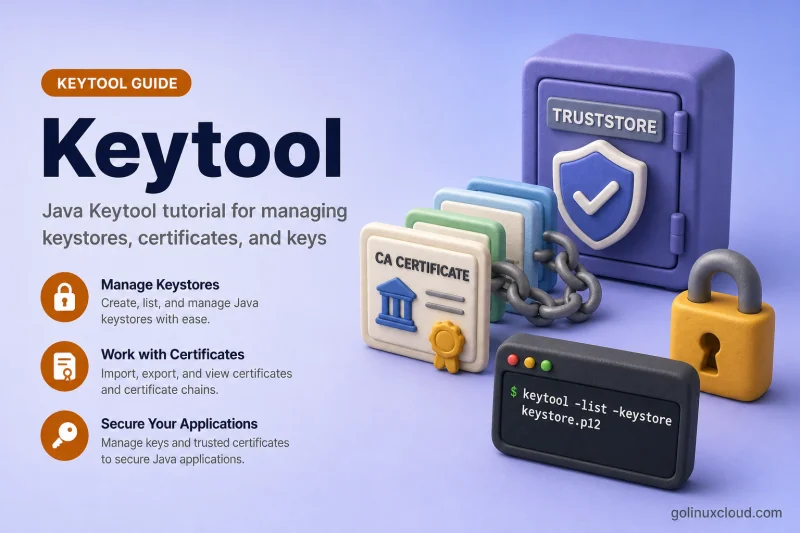
This tutorial walks you through Java keystores and truststores with keytool — the CLI that ships with every JDK. You will learn the difference between a keystore (server identity) and a truststore (who you trust), build PKCS12 files on Linux, import CA-signed certificate chains in the right order, and fix the errors that show up in real logs: Failed to establish chain from reply, Public keys in reply and keystore don't match, and PKIX path building failed.
Every command is tested on Ubuntu with OpenJDK and uses PKCS12 as the default format. On workstations where keytool is missing, start with install keytool on Ubuntu. For PEM-centric PKI workflows that complement Java, see the OpenSSL & PKI tutorial.
Click Start the course to begin with keystore fundamentals, or jump to the section you need — chain import, PKIX troubleshooting, and Spring Boot/Tomcat HTTPS are the three most-bookmarked chapters.
What you'll learn
- Create PKCS12 keystores and truststores with keytool on Linux
- Generate CSRs with SAN, import CA-signed replies, and build full certificate chains
- Diagnose and fix common keytool errors (chain reply, public key mismatch, wrong password)
- Export certificates in PEM/DER, import PKCS12/PFX and PEM private keys
- Configure Spring Boot and Tomcat HTTPS with the same keystore files
- Use custom truststores instead of editing cacerts, including Docker and Kubernetes
Prerequisites
- OpenJDK 11+ (OpenJDK 21 or 25 tested) with keytool on PATH
- Comfortable on the Linux command line
- Basic TLS concepts (certificate, private key, CA chain) — see the OpenSSL PKI primer if needed
Syllabus
7 chapters · 21 lessons · ~167 min of reading
-
2 Create Keys and Certificates 2 lessons
-
3 Import Chains and Fix Reply Errors 3 lessons
-
4 Inspect, Export, and Convert 6 lessons
- Part 10 List and inspect keystore entries 6 min read
- Part 11 Export certificate in PEM and DER 7 min read
- Part 12 Import PEM certificate and private key 7 min read
- Part 13 Import PKCS12/PFX into Java keystore 6 min read
- Part 14 Convert JKS to PKCS12 7 min read
- Part 15 Change alias, password, and delete entries 7 min read
-
5 Truststores and System CAs 2 lessons
-
6 Spring Boot, Tomcat, and Containers 3 lessons
-
7 Reference 1 lesson
